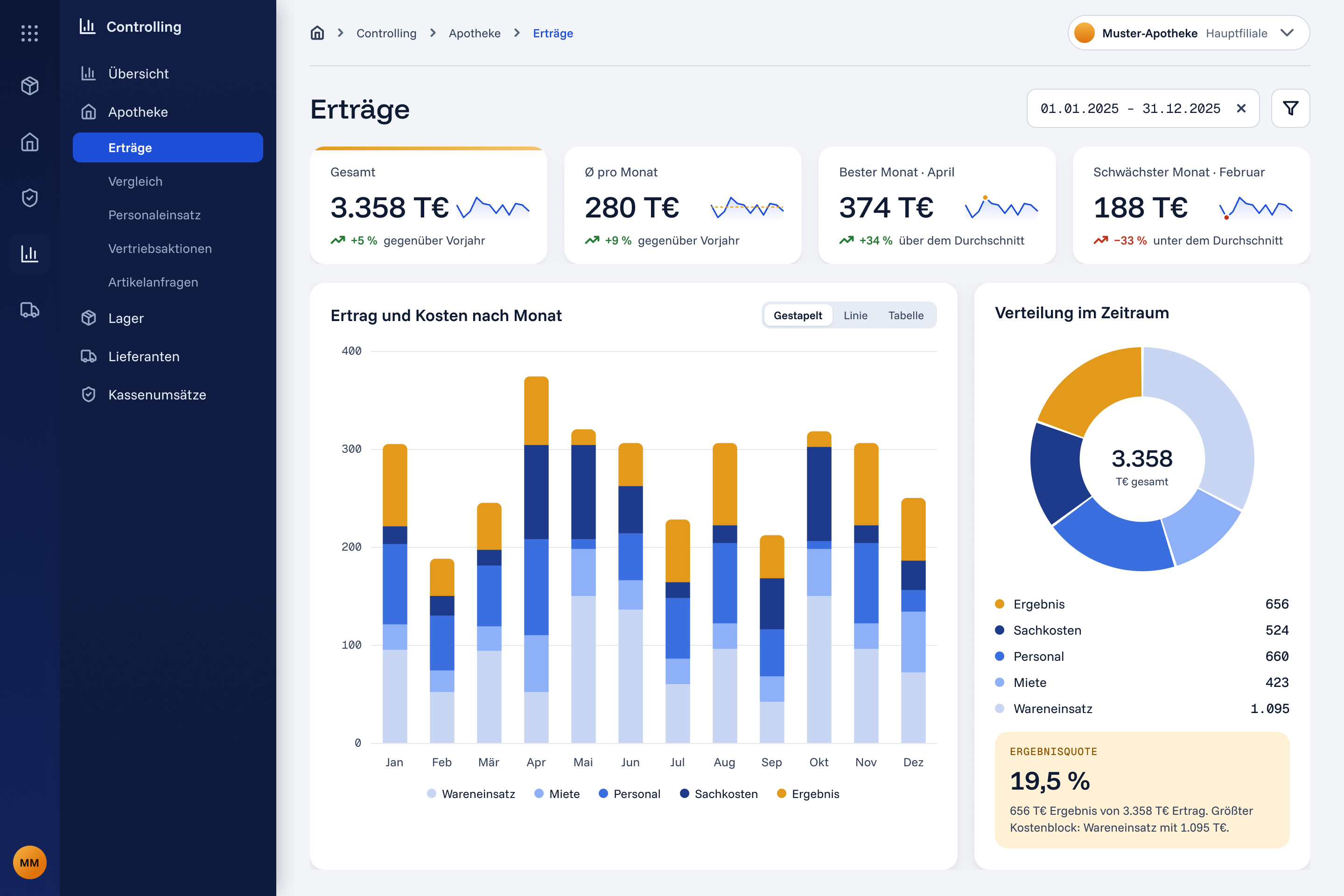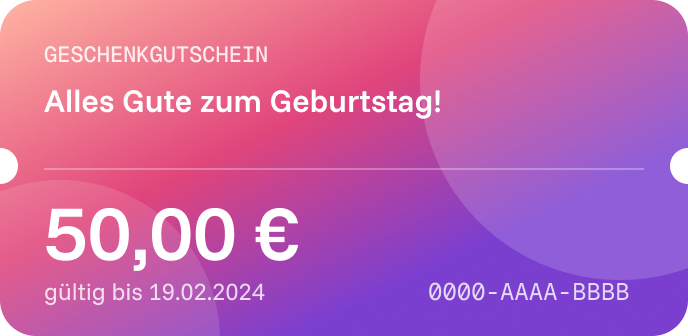
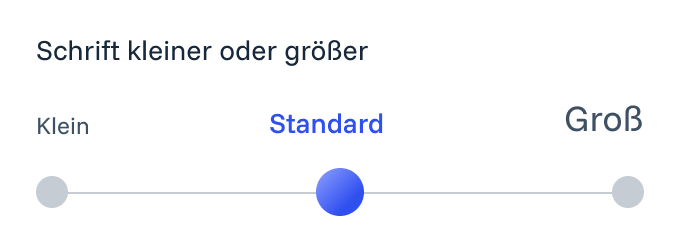
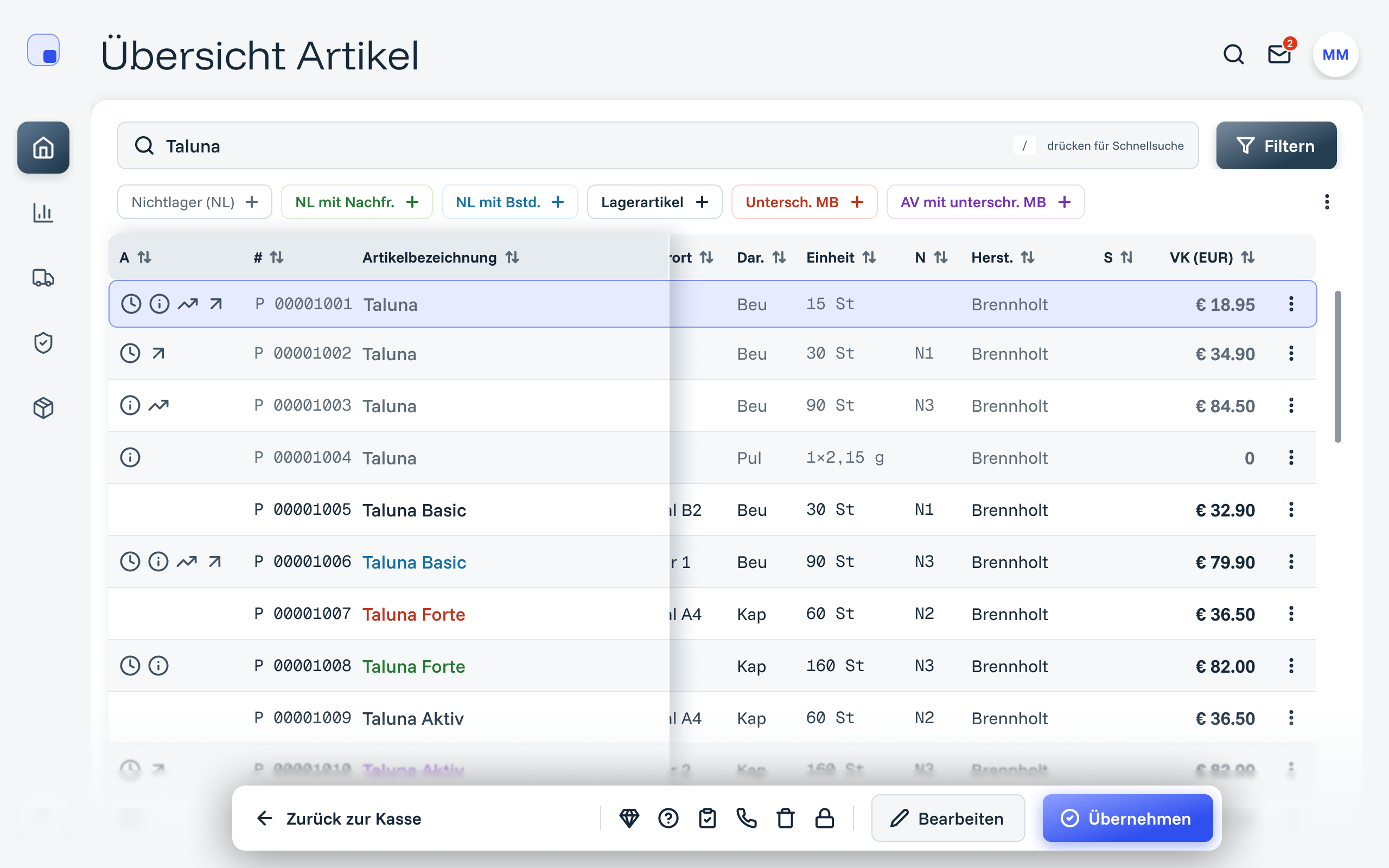
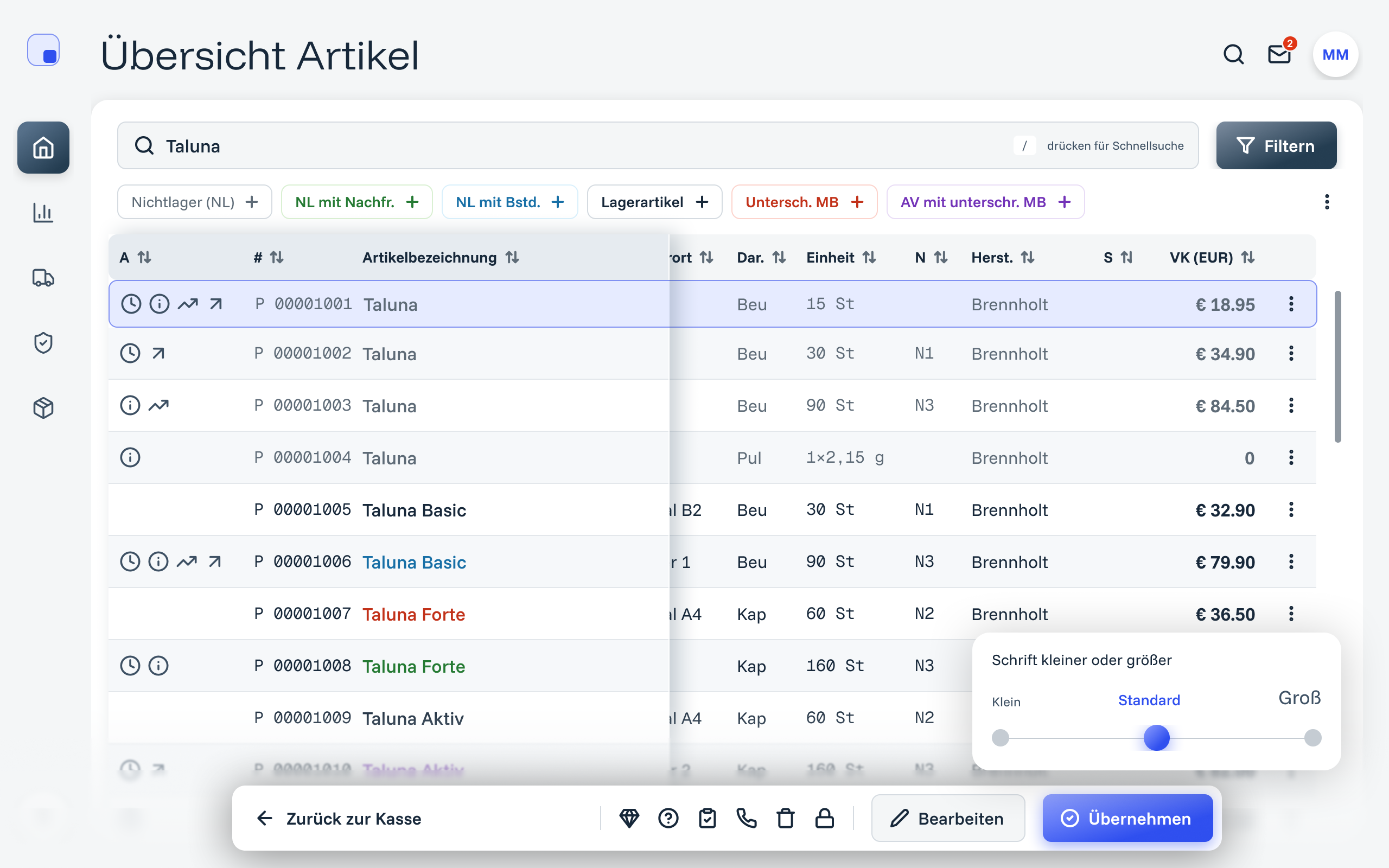
A sample counter component, redrawn for this portfolio. One Small / Default / Large setting scales type, spacing and row height together, because they all come from the same tokens.
The starting point
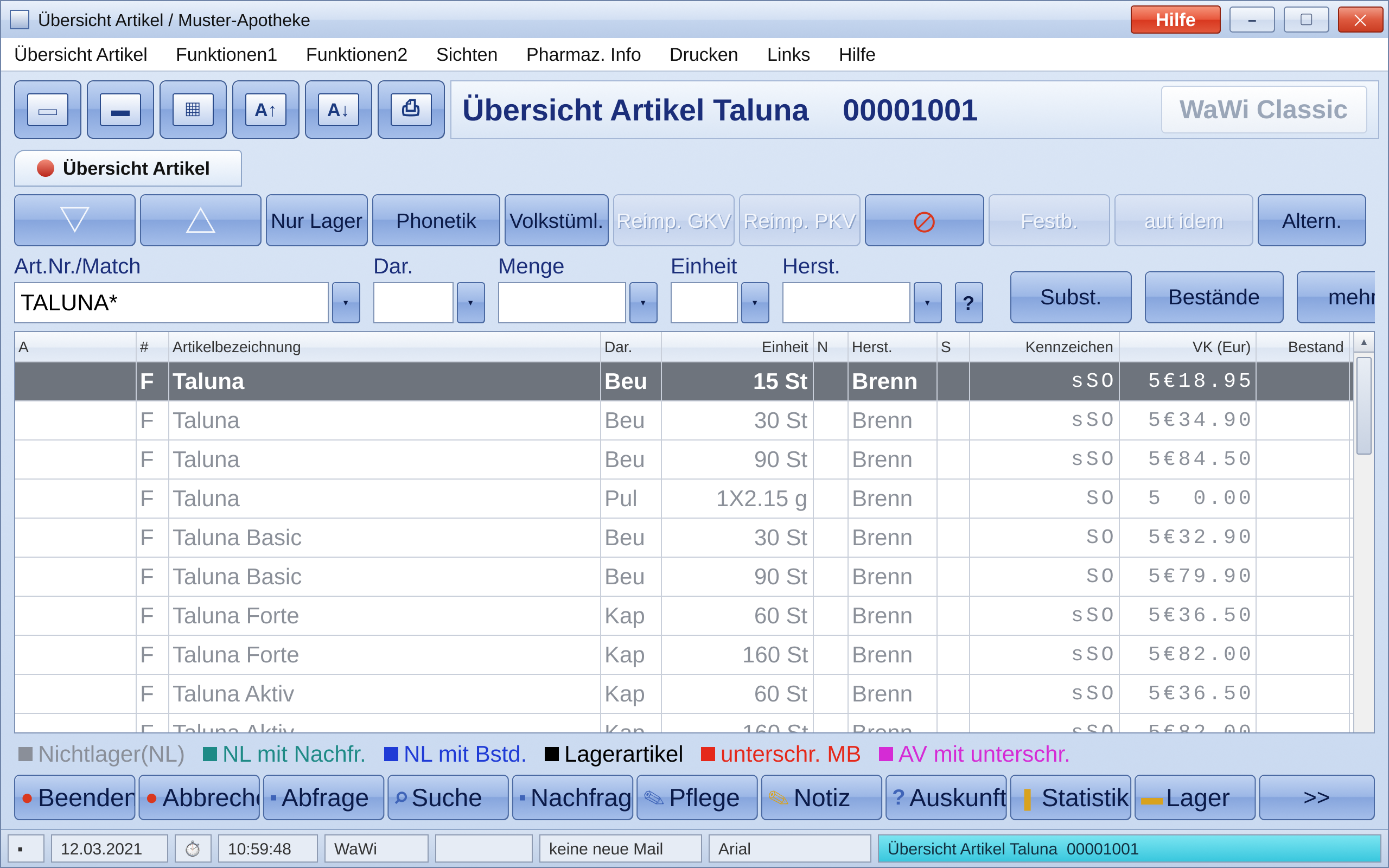
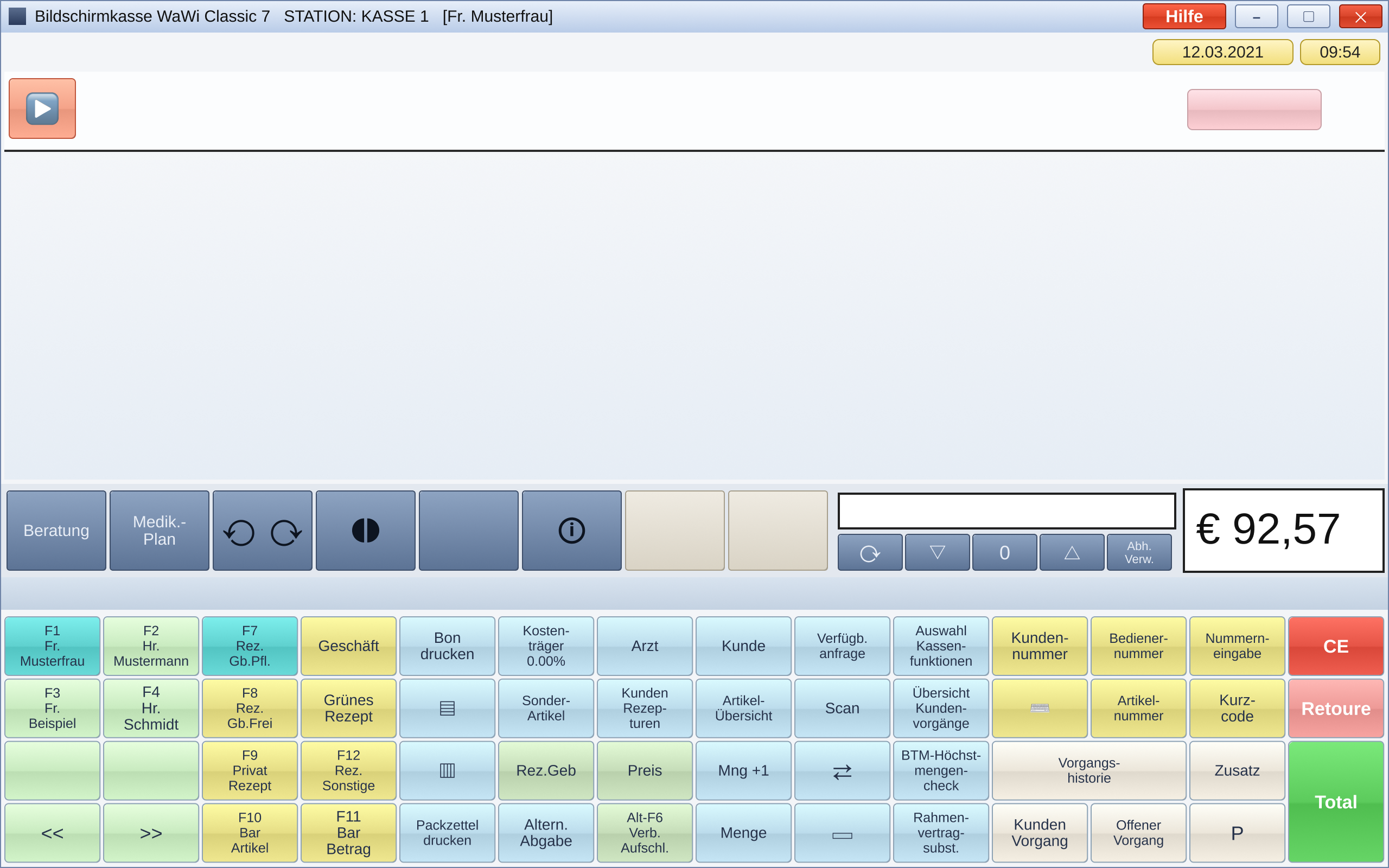
Pharmacists found the legacy interface too complicated. It was a Windows-era cash register and back office: dense button grids, labels cut off by narrow buttons, a colour legend you have to decode, and every module in its own window. The counter runs on touchscreen desktops, and many of the pharmacists using it are older.
How decisions were made: research with pharmacists, and feedback rounds with the client’s stakeholders.
One list the whole counter can read
The legacy colour legend became filter chips: the same six stock categories, now something you tap to filter rather than a key you memorise. The article name stays fixed while the other columns scroll under it, so a long row never loses its label.
Text size as a setting, powered by tokens
The legacy app already let users enlarge the text, and many of the pharmacists using it are older, so the redesign had to keep that. A Small / Default / Large control now scales type, spacing and row height together. It comes straight from the design system’s responsive tokens, so every screen supports it without extra work. Try it in the basket above.
Tabs for work that gets interrupted
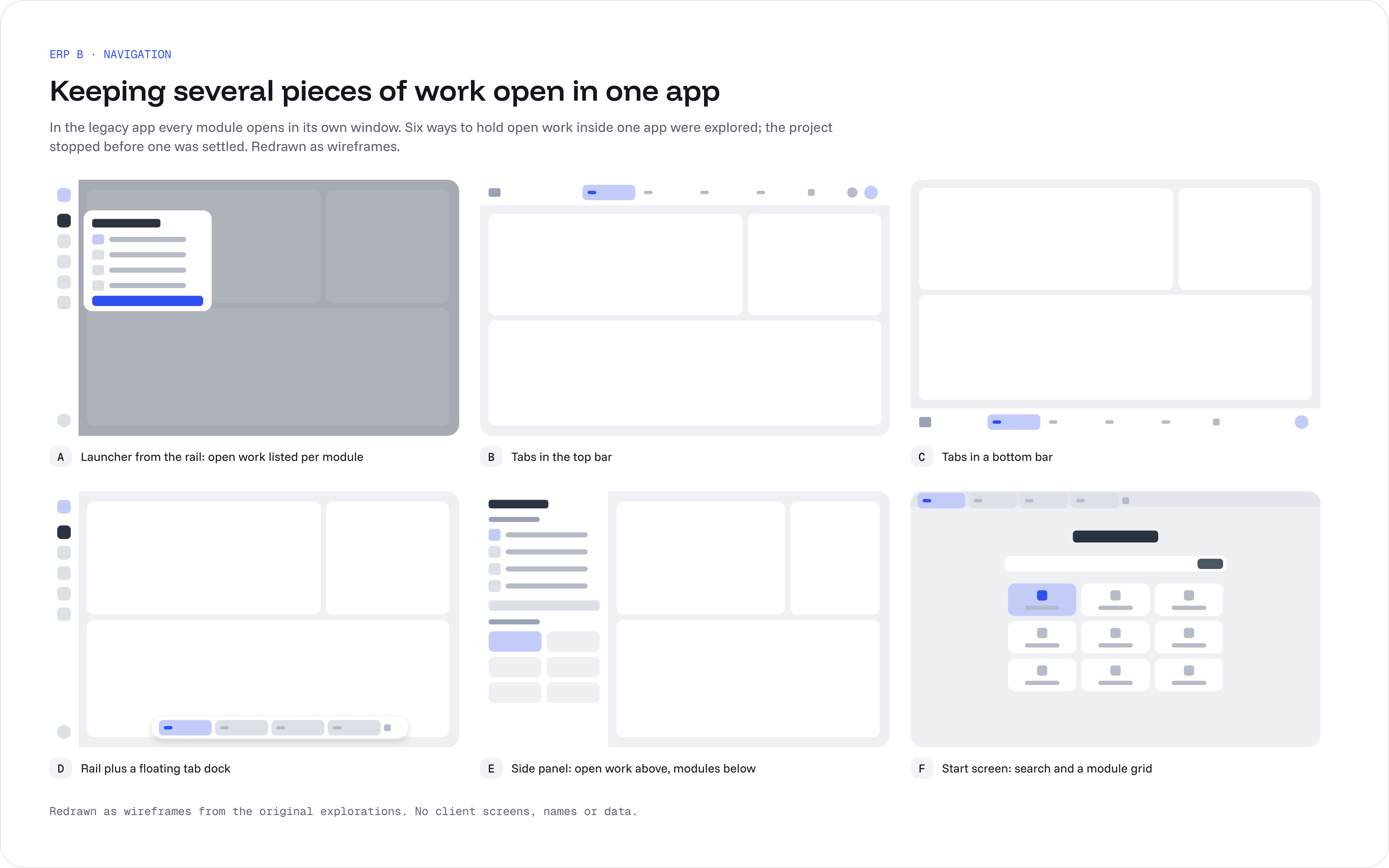
In the legacy app every module opens in its own window. The redesign explored six ways to keep several pieces of work open inside one app: a module launcher, tabs on top, tabs at the bottom, a sidebar listing open work, and a start screen with the module grid. The project stopped before one was settled, so they are shown here as explorations.
Faster actions at the till
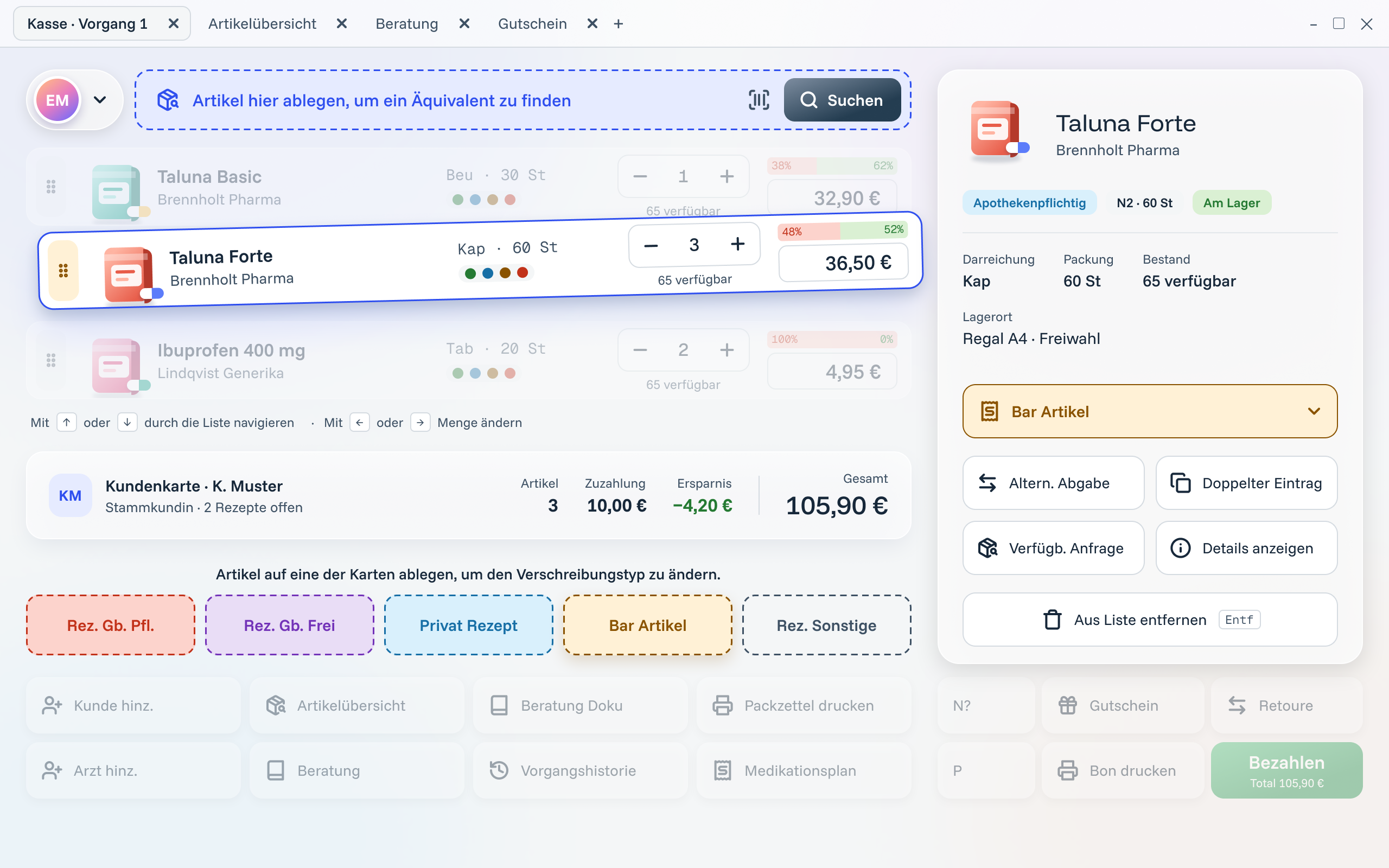
The counter runs on touchscreen desktops, so the main actions were designed for a finger as much as a mouse. An article is dragged onto a prescription-type card instead of being changed through a menu, and dropping it on “find an equivalent” offers alternatives. Keyboard hints stay next to the main actions for staff who prefer the keyboard.
The same patterns in every module
The voucher list shows how the patterns carry over: the legacy table with a filter bar becomes a list with search and status chips, a detail panel that opens beside the list, and a bulk-action bar when several vouchers are selected.
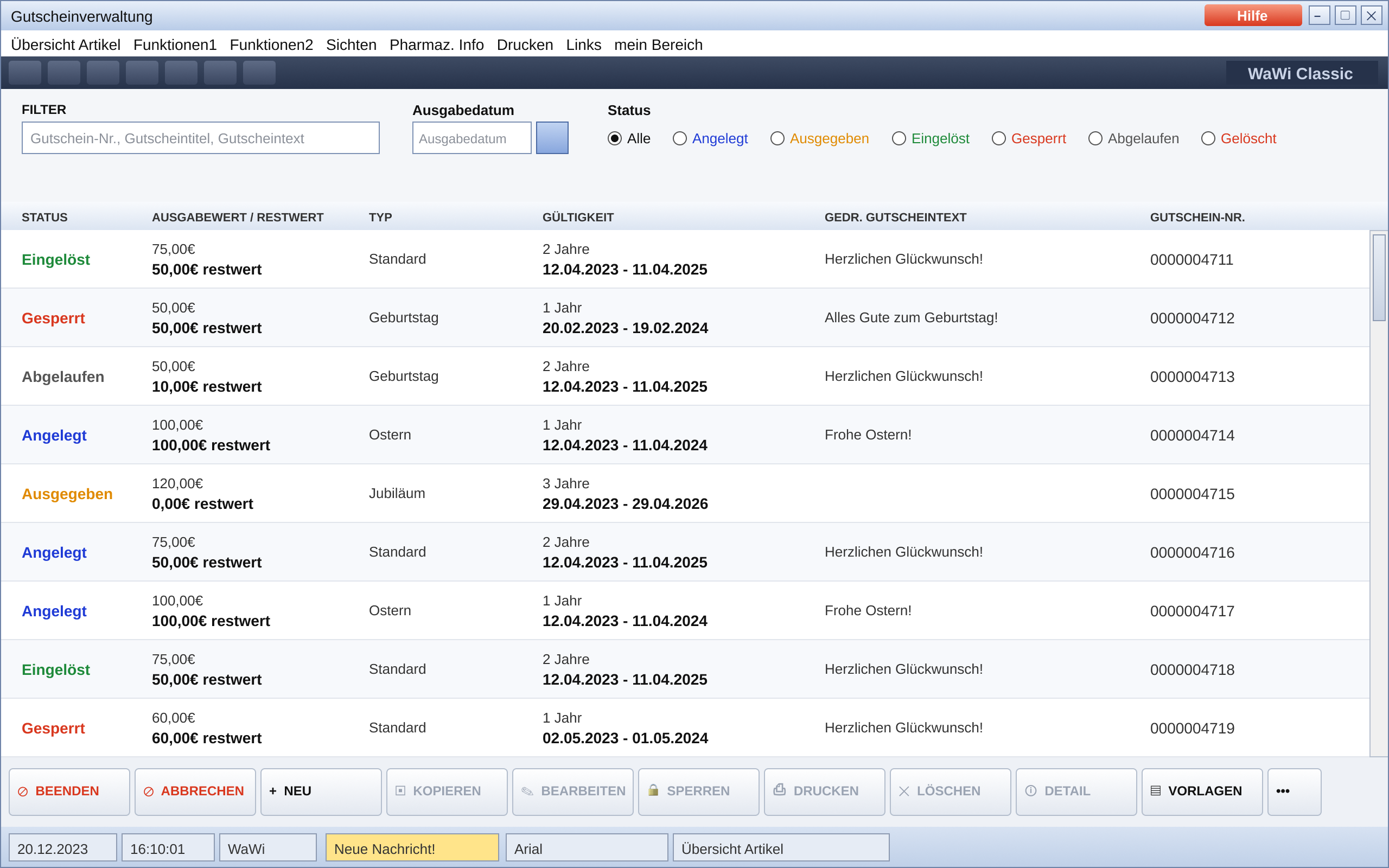
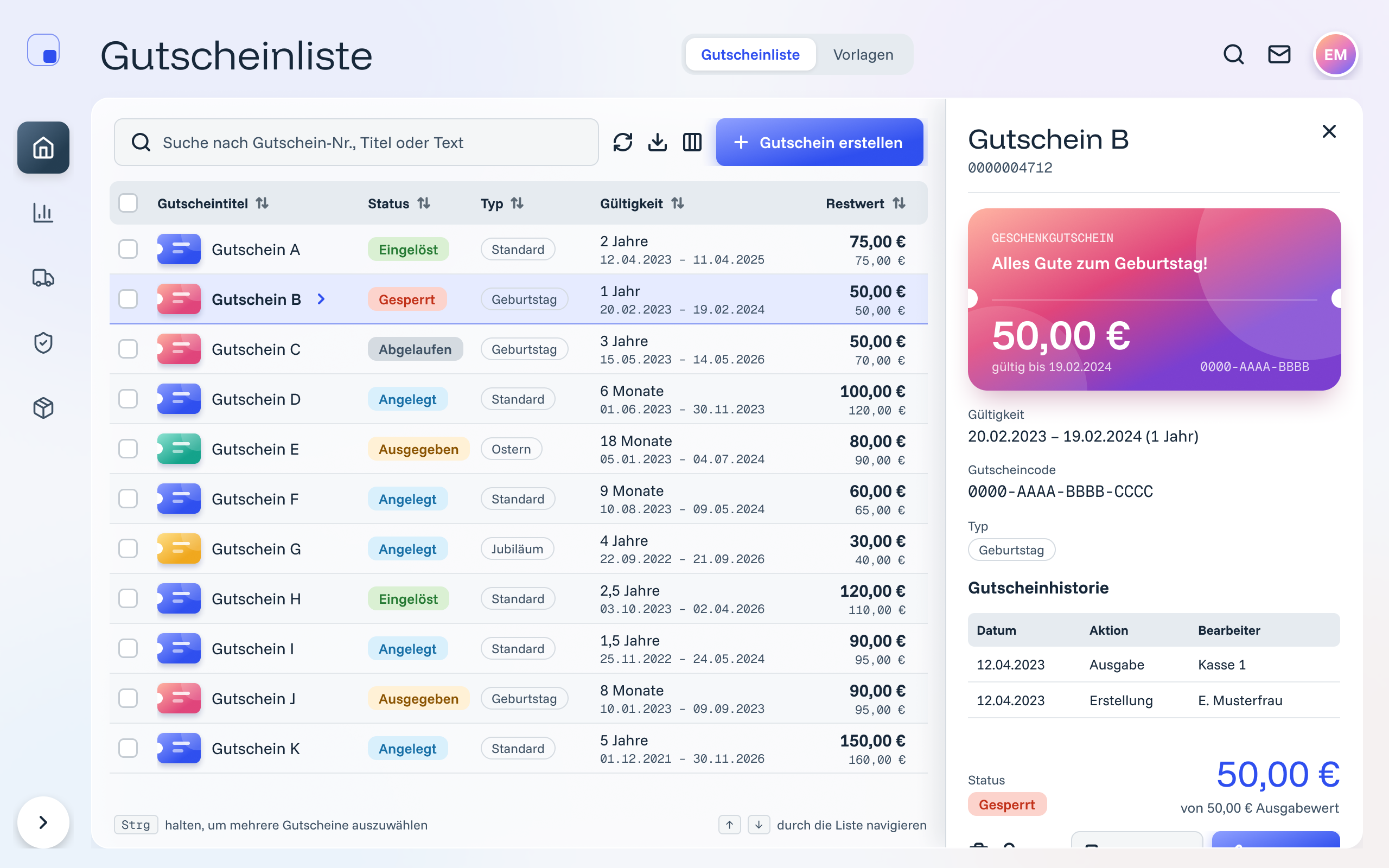
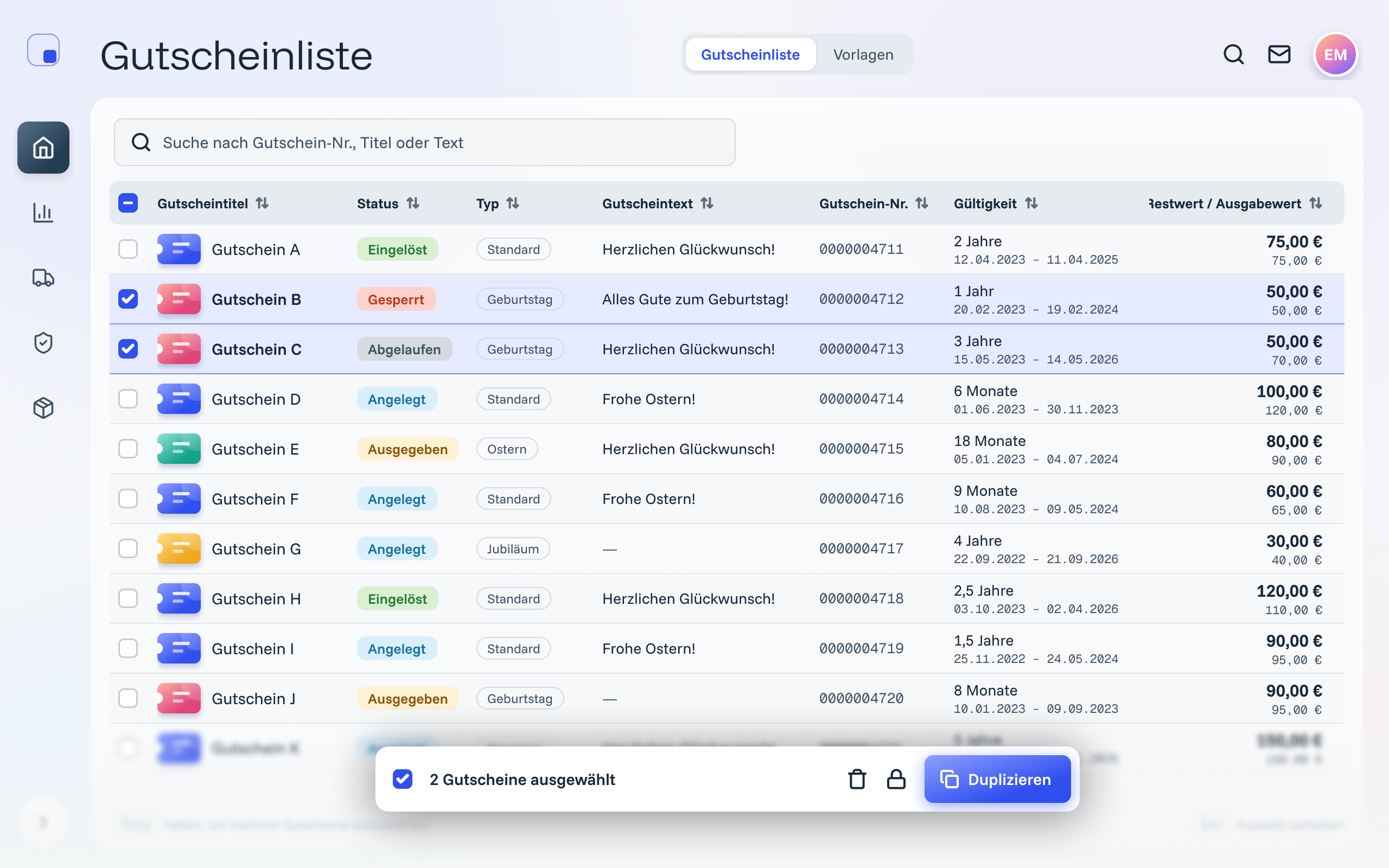
Voucher list · redrawn with sample data
Step 1 of 3: Before
One system under every module
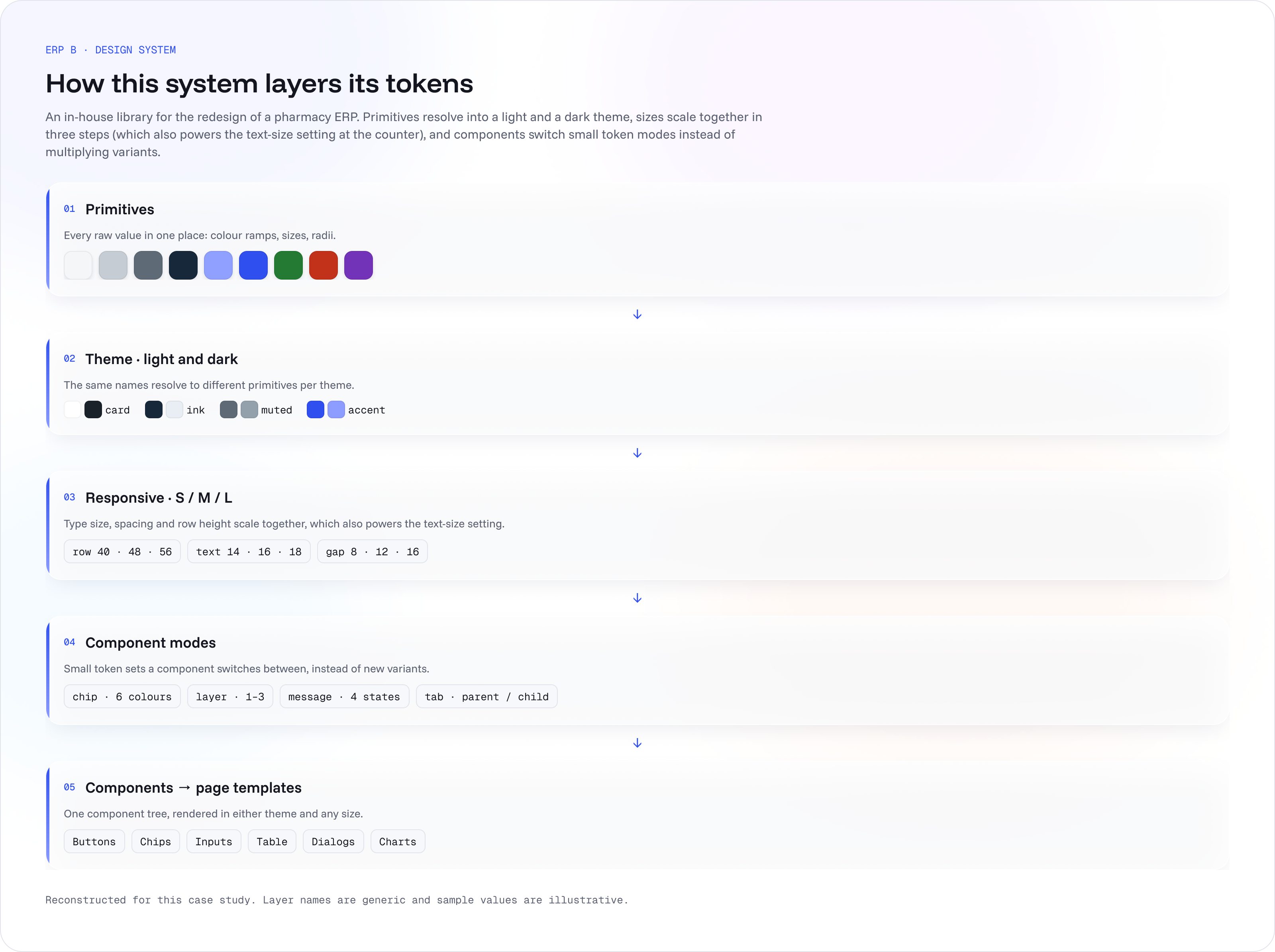
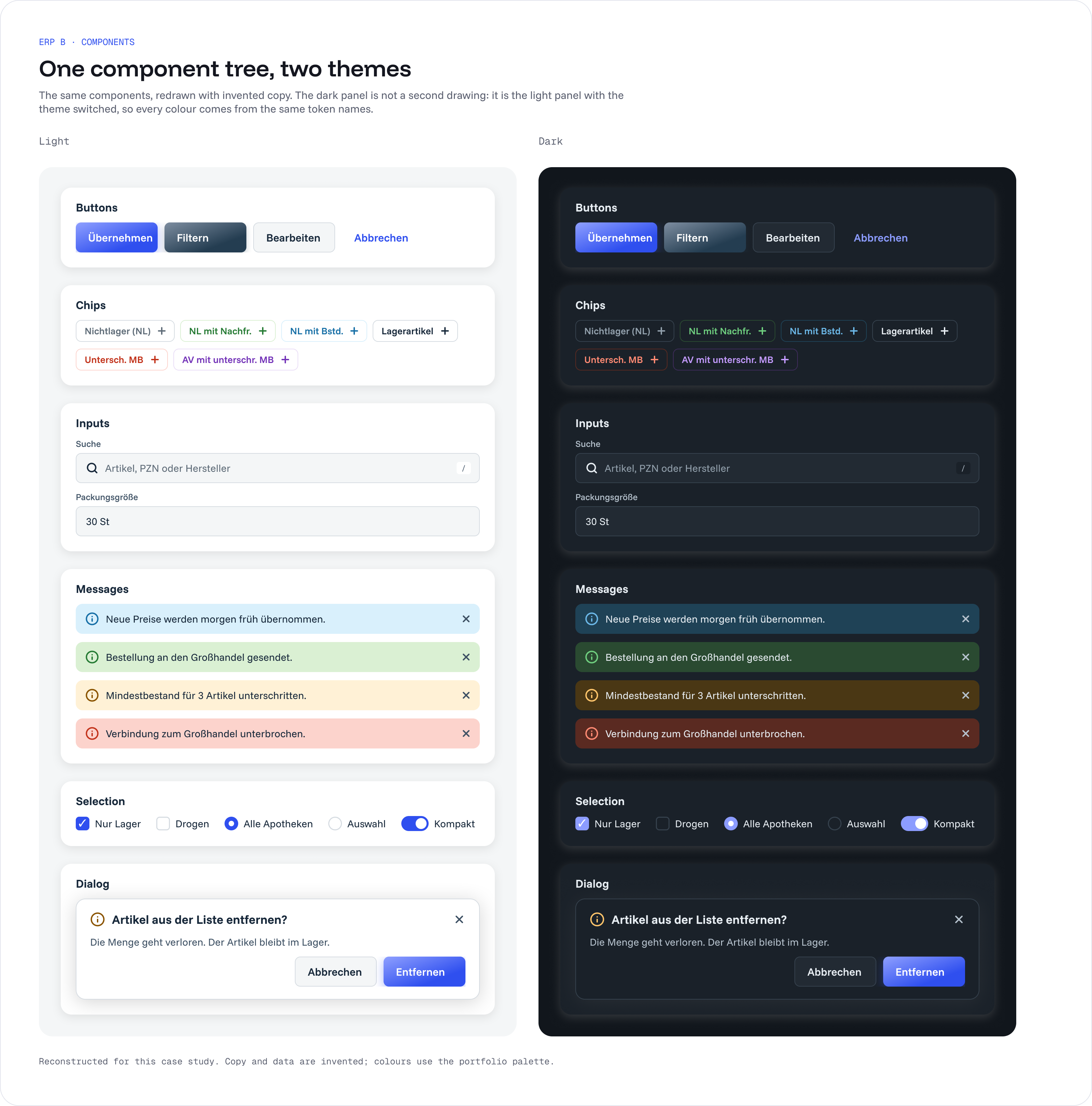
Every screen is built from one in-house library: primitives resolve into a light and a dark theme, sizes scale in three steps, and components switch small token modes instead of multiplying variants. I run the library: other designers propose components, I add them, and versions ship regularly with a changelog.
Outcome
The project was stopped after the proof of concept and was not released, so no user metrics are claimed. From the design system: fewer inconsistencies, fewer UI bugs, and little front-end rework on standard components and behaviour.